TORRENT WORLD
[SHC 2021] SNOLF Tournament Edition
2021 · MS-DOS · Drmelon
It's back, and better than ever! That's right! SNOLF: The Sonic Golf Experience (2019) has been remastered and brought into the modern age with SNOLF: TOURNAMENT EDITION ! Take control of SNOLF, the "Coolest Golf Ball", and snolf your way to victory with golf-like controls! No running and jumping for you - it's full-on bouncy ball action all the way! FEATURES: Exhilirating (frustrating?) golf-style gameplay! Three shot types: Putter, Regular, and Driver! Control your bounce! Infinite lives! Stuck? Use Shot Reset to go back to your last position! Really, really stuck? Use Death Reset and take another try without restarting your console! UP TO FOUR PLAYER HOTSEAT MULTIPLAYER! That's right! One controller, two-to-four times the fun! Struggle together in Cooperative mode, or go head-to-head in a Competitive Showdown! Don't have time for the full game? That's OK! Game Length options let you play only Act 1 stages or only Act 2 stages! All-new updated title screen graphics. Feel the blast processing! SNOLF INSTRUCTIONS & CONTROLS: Press A, B, or C to begin your shot. The button you press will determine the shot type: Button A: Putter . This shot type can't shoot you very far, but you'll have minimal bouncing. Great for tricky shots. Button B: Regular . Your standard 9-Iron shot. You'll bounce off of walls in this mode, but still have soft landings. Button C: Driver . Shoot for the stars! This shot type has a fast meter, but will allow you to bounce along the ground. Go the distance! Once you have begun a shot, the power meter ring will be displayed and begin moving right and left. Its distance from the center is equivalent to the horizontal force Snolf will be launched with.Press the button again to lock in your horizontal velocity, and the display will switch to show your vertical velocity. Press the button a third time to lock in the vertical velocity, and launch your Snolf ball! You can use the D-Pad to slow yourself when rolling, or to change which way your shot will initially face.If you are rolling into a bad position, hold the A button for 1.5 seconds to reset your shot. If you're really, really, stuck, press Start and then the A button to kill your Snolf ball and try again. It's simple! Good luck! Credits: Code, Art, PCM by DrMelon Splash Screen courtesy of MarkeyJester, Cinossu Shoutouts to: MainMemory - SonLVL Vladikcomper - Error Handler & Debugger snkenjoi - Flex2
Internet Archive
- Download torrent · · 3103984 bytes
27023bcb4c43736ca1c65909ecf301532c964264
Related titles
Just Keep Fishing
2026
The main process is built around sequential acquisition of the catch and further improvement of your capabilities. Each caught fish
Open card
Kingdom Rush 6: Genesis TD
2026
Each battlefield requires a unique approach, as opponents differ in capabilities, speed, and method of advancement.
Open card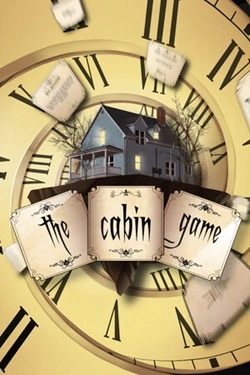
the cabin game
2026
The rooms here do not have a pre-established layout. As players progress, they themselves determine which rooms will appear next and ka
Open card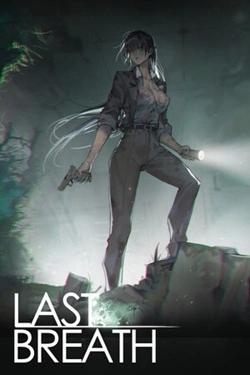
Last Breath
2026
Fungal spores rapidly transformed people, turning the infected into insane "fungus corpses". Guan Jing is not a trained soldier.
Open card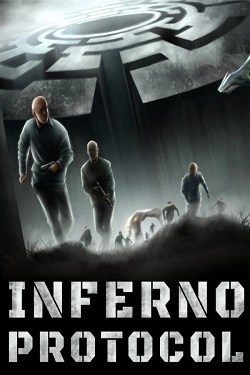
Inferno Protocol
2026
To avoid getting lost permanently, you'll have to create your own system of landmarks. Leave marks on walls, throw objects into
Open card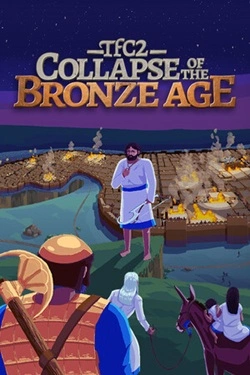
TFC2: The Fertile Crescent 2
2026
The world gradually loses stability, and powerful states face threats that even si cannot avoid
Open card