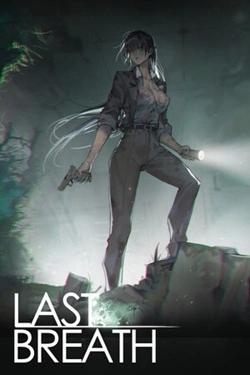
Last Breath
2026
Fungal spores rapidly transformed people, turning the infected into insane "fungus corpses". Guan Jing is not a trained soldier.
Open card ARTICSTRACKER
Windows · Koopai484
Here are all bios files for RetroArch Some bios files are updated by replacing sega saturn 1.00 bios version with 1.01 versions, same with sega cd, eu and us have 2.21 except japan which has 2.00. Extract these into your system folder in C:\RetroArch-Win64\system (or where you installed RetroArch) This doesn't encourage piracy, it's only for personal use. Don't pirate, it's illegal. Unpacked Size: 4.04GB This only contains bios files, no other junk. Update: -changed some bios files to improove stability with better dumps. -updated JP sega saturn bios to 1.01. -fixed an error where cdi games wouldn't work. -Added all the sega saturs, mega-cd and master system bios versions for who wants to interchange them and see which one fits better. For changing bios versions you need proper names for the files to be recognised, so here are some links to help with that: -saturn: -https://www.youtube.com/watch?v=Ygc5JWHkukE -mega-cd: -https://www.youtube.com/watch?v=DV_gA6aknRQ To check the bios versions if you're confused with the names of the files, just follow theese steps: 1.-open retroarch 2.-go to load content and locate the bios file 3.-select the bios file and use the proper core for the proper system 4.-for mega-cd look on the top right corner it will show the version and for saturn go to bios settings and look to the bottom right corner on eu/us version. for jp it,s on the splash screen at the same location
decb4720b56249959055bea199648e5f08b6b6042026
Fungal spores rapidly transformed people, turning the infected into insane "fungus corpses". Guan Jing is not a trained soldier.
Open card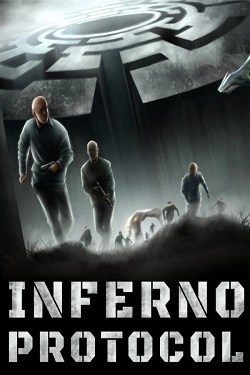
2026
To avoid getting lost permanently, you'll have to create your own system of landmarks. Leave marks on walls, throw objects into
Open card
2026
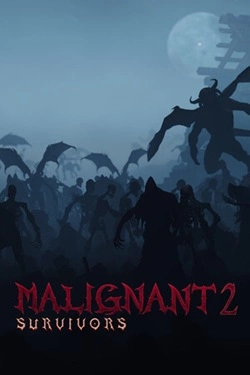
The world gradually loses stability, and powerful states face threats that even si cannot avoid
Open card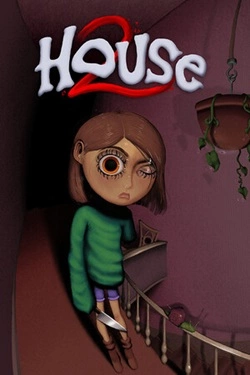
2026
Each new attempt can significantly differ from the previous one due to the vast number of available items. In the game there are
Open card
2026
Each broken bottle brings money that can be invested in bit development and overall efficiency improvement. Gradually appear with
Open card
2026
The development of your own network begins with smart management of existing stores. You need to decide which products to offer visitors, where n
Open card
2026
Heroines' Stories The core gameplay becomes matches with precious stones where you need to find the right combinations and
Open card ARTICS TOOLSОнлайн-инструменты для работы с изображениями, файлами, QR-кодами и веб-технологиями.
 ARTICSNETДомены, хостинг, DNS, SSL, электронная почта и управление интернет-сервисами в единой платформе.🚧 Скоро запуск · В разработке
 ARCTICS NETWORKПроверка IP-адресов, доменов, DNS-записей и диагностика сетевых подключений.