
TORRENT WORLD
X6
PlayStation
Game stick lite 4k, X6 8K (G9), Firmware version: G9 V1.0.0 20240221, Plate: blue color, G02 H133 2P8 V2.0, chip Allwinner H133. Firmware image size: about 58 GB (62723719168 bytes). This firmware is similar to a "Kinhank S2 Pro" that has a similar plate and the same chip. Download the large 7Z file x6-g9-g02-h133-20240221-backup.7z, decompress (unzip) the file, and burn the image file to a new memory card Sandisk, Kingston, Samsung (etc) in Balena Etcher, USB Image Tool or Win32DiskImager. Do not use any old generic chinese memory card - they can cause problems and delete data. The correct MD5 hash crc number of the 7z file is: ac1523112c46d913047198b1bc341438 Verify the MD5 hash number of the 7z file that you received in a 7-zip program or in a 'hasher' type of program. To add games: Explore the SD memory card and find a text file "GAME.CSV" and frist *make a backup copy* of the file on your PC hard drive. Install free LibreOffice or OpenOffice on PC. Open the file in Libre/Open Office Calc as a spreadsheet and as UTF8 Unicode text. Write the game file in column A, write the game name in Chinese or in English in column B, write the game name again in English in column C and write the name of the system (cps, psx, fc, md, ...) in column D. Save and close the file as UTF8 CSV text. The file must be plain text. Copy game files to SDCARD:\game\{system} but change {system} to another word such as cps, psx, fc, md, mame, snes ... PlayStation 1 (psx) files can be in IMG, or PBP, or CHD, or CUE/BIN format. Download Libre Office or Open Office - https://www.libreoffice.org
Internet Archive · 1.0
- Download torrent · · 29565648896 bytes
159aa717d01b9119184ff8084b6e13293a934af6
Related titles
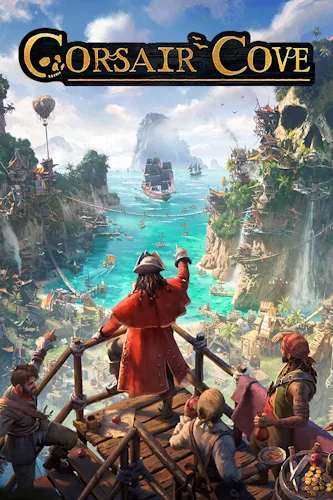
Corsair Cove
2026
The Golden Age of Piracy is coming to an end — the seas are overrun by Crown Hunters, concluding the era of adventures and plunder... but you can save it.
Open card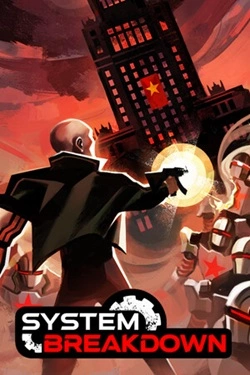
System Breakdown
2026
System Breakdown — this is not just a twin-stick shooter. To survive, you will have to act aggressively. Switch between weapons to replenish ammunition. Defeat enemies to restore health. Use special boosts to break tin armor and charge your ЯРОСТЬ.
Open card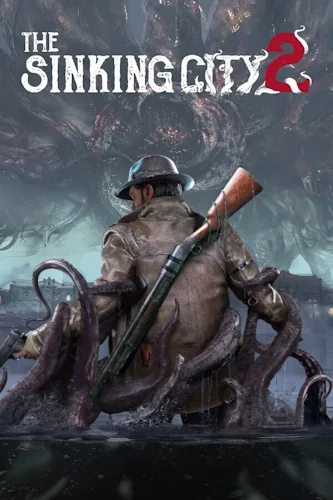
The Sinking City 2
2026
The action of The Sinking City 2 takes place in the turbulent 1920s. This survival horror, infused with a chilling horror in the spirit of Lovecraft, challenges you to confront an ancient entity and explore the flooded streets of Arkham, where the dead hunt you, trying to choose between the life of
Open card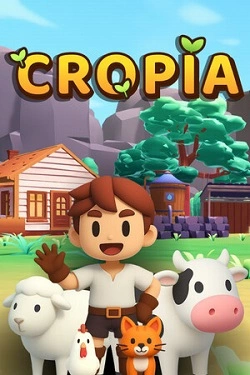
Cropia
2026
Cropia — это реалистичный симуля. фермерского управления, в котором экономика, производство и экосистема объединены в одну систему. Игра моделирует аграрный процесс на уровне стратегического планирования, где цель — создать самодостаточную ферму с точным распределением ресурсов и устойчивым циклом р
Open card
Slow Roads
2026
The surrounding world is automatically generated, so the route constantly changes and does not repeat on each segment. You can choose chaos yourself
Open card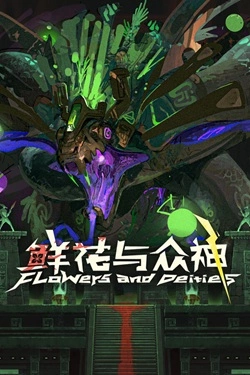
Flowers and Deities
2026
The start of each run is determined by the chosen origin and faith. Four options set different starting conditions and affect the length
Open card

