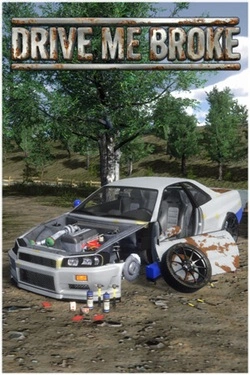
Drive Me Broke
2026
Car is assembled down to the details: you can disassemble old cars, repair parts and manually work on mechanics. More so
Open card ARTICSTRACKER
2023 · Linux · PlayStation
This is a data backup image for the D3 Plus game stick 4k lite. I got a photo of the mother board (plate) from another person, a 3rd party source and I hope it is correct. I got this data from the G@mestick lite 4k chat group in Telegram. Text on the motherboard is D3 Plus V1.0 20230601. The processor is probably Allwinner H133. Another similar backup is HERE for a Kinhank S2 Pro H133 gamestick Download the large XZ file , open it in 7zip or in Winrar or in unxz , and burn the img file to a new 64GB memory card in Win32DiskImager or in USB Image Tool (from Alexpage webste). Do not use any old generic Chinese memory card - they are bad quality and delete data. Check and verify the MD5 hash checksum number of the xz file that you have received in a 7-zip program or in a "hasher" type of program. The correct MD5 hash of the xz file is written below: b47396a9d8c5956a74c214b8f3539ad9 To add games: First, make a backup copy of the entire card or just the game.csv file. Explore the memory card, and find the file GAME.CSV . Open the file GAME.CSV in Microsoft Excel, or in OpenOffice Calc . In this order, from left to right: write the file name of a game and include the three letters extension such as chd or zip, write the title of the game, and write the title again and write the platform name (such as snes or ps1) of the game. Save the file. See below for an example of PS1 games. There is a backup of GAME.CSV in a zip file, click HERE . Copy new ROMS to SDCARD:\game\[system] but change [system] to the real name of the game system fb , gba , nes , ps1 ... Example: SDCARD \ game \ cps
c82ea1ad5e463adfe0d90f885aac6897a74e1fda2026
Car is assembled down to the details: you can disassemble old cars, repair parts and manually work on mechanics. More so
Open card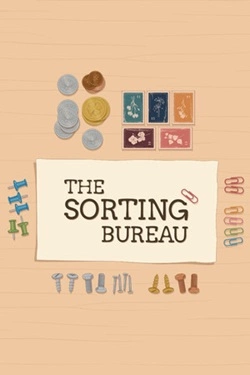
2026
Each order consists of multiple items that differ in shape, material, and purpose. They must be picked one by one and placed
Open card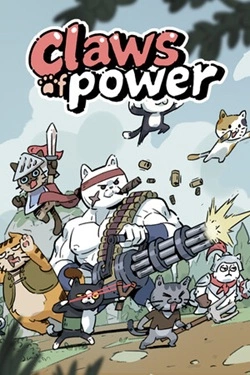
2026
Each cat can perform their role in battle, so the team composition is very important. You can assemble different combinations of fighters, exp
Open card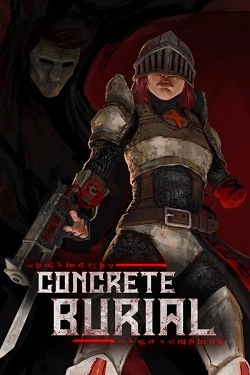
2026
Cemeteries represent a dark combination of ancient rooms and rough brutalist architecture, where behind every turn may hide
Open card
2026
The story goes beyond the carnival and allows you to experience other tense locations. Olivia interacts with characters and calls them
Open card
2026
Each heroine gets her own story line, so communication with fairies gradually reveals their personalities, desires and abilities. Pom
Open card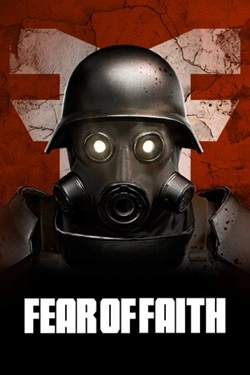
2026
Before each excursion, you can form a squad of four classes, and then combine their abilities to achieve useful synergy. Can collect
Open card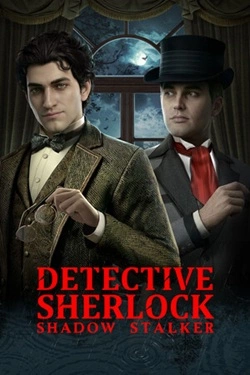
2026
Instead of pre-prepared answer options, you can freely talk to characters. You can interrogate them, persuade
Open card ARTICS TOOLSОнлайн-инструменты для работы с изображениями, файлами, QR-кодами и веб-технологиями.
 ARTICSNETДомены, хостинг, DNS, SSL, электронная почта и управление интернет-сервисами в единой платформе.🚧 Скоро запуск · В разработке
 ARCTICS NETWORKПроверка IP-адресов, доменов, DNS-записей и диагностика сетевых подключений.