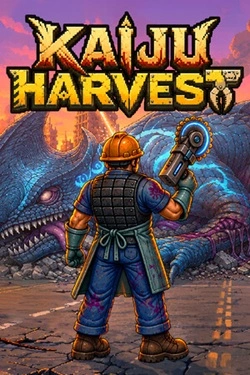
Kaiju Harvest
2026
Each carcass becomes a true resource deposit. Skinning monsters, harvesting meat, bones, organs, coins, and rare amber, after
Open card ARTICSTRACKER
2024 · PlayStation 2
Watch the presentation and demonstration video, 55 minutes. - link here Download the large ISO IMAGE .img file , 223 GB. Install the program Raspberry Pi Imager or Balena Etcher. Burn (record) the image file to either an external USB hard disk drive, external USB SSD, or to a very fast and high quality 256 GB micro SD memory card with a brand name such as Samsung PRO, or SanDisk Extreme, or Kingston Canvas Go Plus. Do not use a generic chinese memory card - they are poor quality and can delete data. You can use latest version 25 of 7zip https://7-zip.org in Windows to check CRC checksum hash numbers of the file "KioDiekins-Maximum-Carnage-256gb-Raspberry-Pi-5.img". Watch these two tutorials videos for more information. 1. https://youtu.be/YM2CE6zKvoo 2. https://youtu.be/_hFy8XoxqnI You can also use a terminal tool in command-prompt in Windows as such: certutil -hashfile KioDiekins-Maximum-Carnage-256gb-Raspberry-Pi-5.img md5 MD5 CRC checksum. dd879391d823858359f967ac078c1367 SHA1 CRC checksum. 2d28a6da2f811341a886d64a53309431ea68da72 File size in bytes. 240057409536 bytes, or about 223 GB. If the file size or CRC (checksum hash) of the file that you downloaded is different than the text written above, then your internet connection was probably disconnected or interrupted. So,I recommend you use JDownloader2 or Free Download Manager (FDM) to better download large files, instead of using a web browser. Check your internet service for a good stable connection and try to download the file again but in JDownloader2 or in Free Download Manager. View the web site - link here - for more information.
6a5c55e3a55150c9d8824737da1aeb2f7d841fc32026
Each carcass becomes a true resource deposit. Skinning monsters, harvesting meat, bones, organs, coins, and rare amber, after
Open card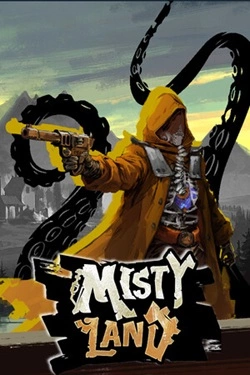
2026
Important role is played by the design of your city. Choose appropriate structures, place them in convenient locations and gradually expand the available
Open card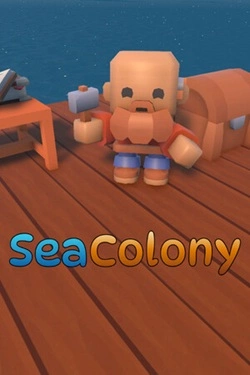
2026
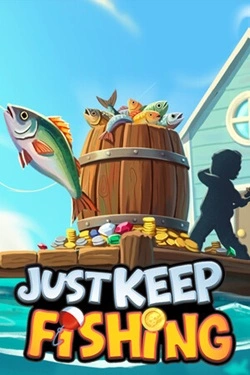
The main process is built around sequential acquisition of the catch and further improvement of your capabilities. Each caught fish
Open card
2026
Each battlefield requires a unique approach, as opponents differ in capabilities, speed, and method of advancement.
Open card
2026
The rooms here do not have a pre-established layout. As players progress, they themselves determine which rooms will appear next and ka
Open card
2026
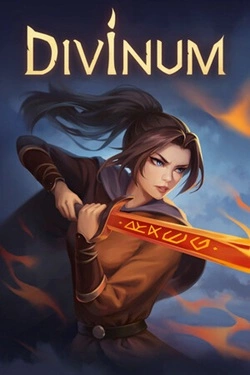
Fungal spores rapidly transformed people, turning the infected into insane "fungus corpses". Guan Jing is not a trained soldier.
Open card ARTICS TOOLSОнлайн-инструменты для работы с изображениями, файлами, QR-кодами и веб-технологиями.
 ARTICSNETДомены, хостинг, DNS, SSL, электронная почта и управление интернет-сервисами в единой платформе.🚧 Скоро запуск · В разработке
 ARCTICS NETWORKПроверка IP-адресов, доменов, DNS-записей и диагностика сетевых подключений.