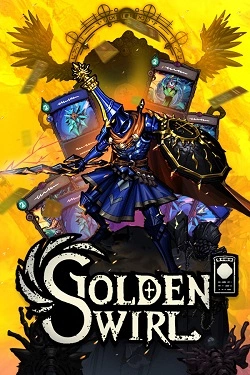
Golden Swirl
2026
Relics and runes significantly expand card capabilities, allowing the collection of builds with different focuses. Some combinations bet on sequence
Open card ARTICSTRACKER
Android · PlayStation
First download and decompress the 7z file here. Otherwise, you will have nothing. Use the "7zip" or "WinRar" program. Read carefully and follow instructions carefully. Do not hurry. Connect a USB mouse and a USB keyboard to your Q9/X8/8K gamestick or to your tv box console. Open a file explorer or file manager application on your game console. If you do not have it, then install it from Google Play Store or ApkPure store. Enable Root access in the file explorer. "CX File Explorer" is free and good. Download it from HERE and HERE . FOR PEOPLE WHO DO *NOT have "DEMO" - install GameBoxVAYAVA_V1.0 (beautiful emulator) from the folder GameBoxVAYAVA_v1.0_emulator_V3.6 and Reboot (Restart) your game console or FOR PEOPLE who have "DEMO" - First DELETE ALL emulators VARC, VGBA, VGBC, VGEN, VN64, VNES, VPS1, VPSP, VSFC, Gamebox or YYBOX and then install all those emulators from the folder GameBOX_v3.961_emulator_V3.6 if you had GameBox, or install all those emulators from the folder GameBoxYYBOX_v3.962_emulator_V3.6 if you had YYBox. BE SURE TO DELETE EVERYTHING BEFORE INSTALLING NEW EMULATORS FOR PEOPLE WHO HAVE "DEMO". and Reboot (Restart) your game console If you continue to see "DEMO", you can install the emulators apk in the "Without_DEMO" folder. After that, Reboot (Restart) your game console. If you want more help, send a message to my email address pitabreadandroid (at) gmail.com but change (at) to @
1613ccf61e8cb2be5de4c16bf34ef21d6a2ea2ab2026
Relics and runes significantly expand card capabilities, allowing the collection of builds with different focuses. Some combinations bet on sequence
Open card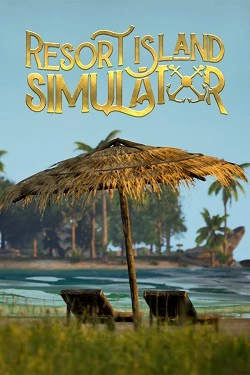
2026
To have an island capable of accommodating tourists, it must be equipped with all necessary resources. Hunting, growing products and production
Open card
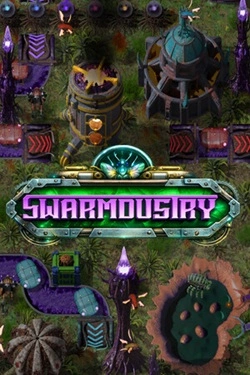
2026
Initially, a significant portion of the work has to be done manually, but over time manual labor gives way to automation. Different presta
Open card
2026
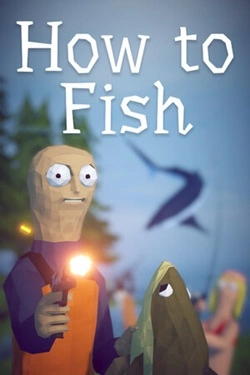
At the beginning, you practically have nothing, so you'll have to buy equipment with money earned from fishing. You can catch fish, sell
Open card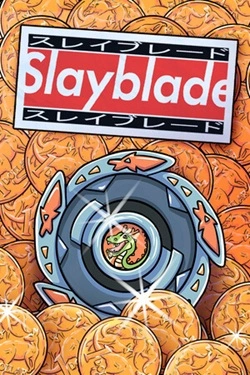
2026
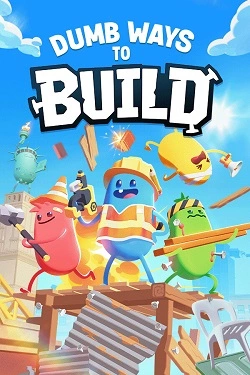
For creating the necessary structures, almost any object that happens to be at hand will suffice. Details can be picked up, rotated,
Open card ARTICS TOOLSОнлайн-инструменты для работы с изображениями, файлами, QR-кодами и веб-технологиями.
 ARTICSNETДомены, хостинг, DNS, SSL, электронная почта и управление интернет-сервисами в единой платформе.🚧 Скоро запуск · В разработке
 ARCTICS NETWORKПроверка IP-адресов, доменов, DNS-записей и диагностика сетевых подключений.