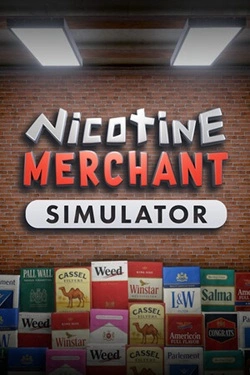
Nicotine Merchant Simulator
2026
Work begins with manufacturing products and preparing them for sale. Then, finished goods must be packed and placed on
Open card ARTICSTRACKER
Linux · PlayStation · Xbox · Nintendo Switch · KaliretroGamer
This is Batocera Linux firmware versions 34 stable, 35 stable and 38 beta for the generic PS5000 handheld game console only. Watch the video here, turn on CC subtitles in the video, and read the information text below. Note that the device is also labeled as the Q500 and the LT-8203. Get Balena Etcher from HERE or from another good website to write the .img image file to a sd card or usb flash stick. If you experience any problems wit Etcher, then try RPI Imager HERE . Unzip compressed files by using 7zip, Winrar, or Peazip, or on the command-line if you're savvy. Get the Batocera versions and suitable BIOS files from this page: - v34 stable - and BIOS - v35 stable - and BIOS - v38 stable (2023/10/14) - and BIOS - also classic Xbox BIOS files in case you need'em - for manual downgrade or upgrade without re-installing the whole system, use a boot.tar.xz file, see this text file and relevant links Get DiskGenius from HERE for Windows so that you can copy game roms and other files from/to the sd card easily. The filesystem type "ext4" or "btrfs" on the sd card is generally suggested to be used instead other filesystems to ensure data integrity. Check the batocera wiki and do a google search for "fat32 data corruption" for more info. Checkout the video creator's youtube channel here https://youtube.com/@kaliretrogamer or search for his online name @kaliretrogamer in google or bing. Read this text file to see more links for online resources. Get in touch with the batocera community by Discord (here) or another way via the 'contact us' page https://batocera.org/contact there. Cheers ☺
en
25f10aaa2550d215d95567eaf75bddf77a70d9f42026
Work begins with manufacturing products and preparing them for sale. Then, finished goods must be packed and placed on
Open card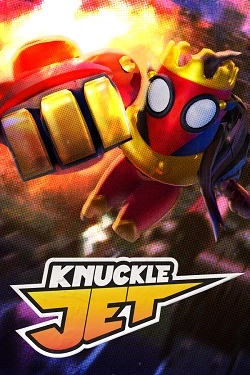
2026
Numerous levels are filled with mechanical and organic enemies, and the surrounding environment constantly offers new attack methods. And
Open card
2026
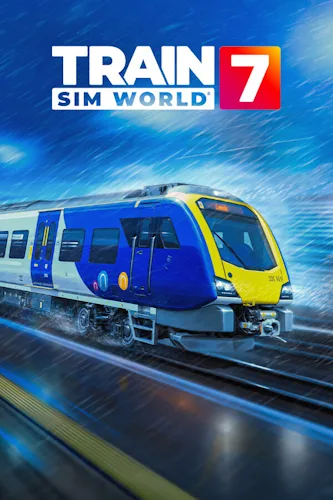
Southern U.S. cities become the main setting for the new route. You can travel by rail through Miami, Fort Lauderdale and surrounding areas
Open card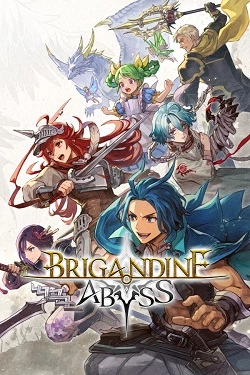
2026
During peaceful phases, the main focus is on preparing the state for future battles. Strengthen allied forces, distribute available
Open card
2026
A significant portion of the role involves checking people and documents. Study identification documents, verify the authenticity of visas and permits
Open card
2026
Behind the store's back door lies a path into dark, skeleton-filled underground areas. The deeper you go
Open card
2026
Work begins right away in contaminated areas where you need to collect dirt and everything that can be useful for further processing.
Open card ARTICS TOOLSОнлайн-инструменты для работы с изображениями, файлами, QR-кодами и веб-технологиями.
 ARTICSNETДомены, хостинг, DNS, SSL, электронная почта и управление интернет-сервисами в единой платформе.🚧 Скоро запуск · В разработке
 ARCTICS NETWORKПроверка IP-адресов, доменов, DNS-записей и диагностика сетевых подключений.