
Misty Land
2026
Important role is played by the design of your city. Choose appropriate structures, place them in convenient locations and gradually expand the available
Open card ARTICSTRACKER
Nintendo Switch · Commodore 64 · Disks O'Plenty Inc.
Disks O'Plenty Inc. was a mail order business specializing in Commodore 64 public domain software. I purchased some disks from them in the early 1990s. This is Disk #GR143. It contains various utilities. NOTE: The emulator defaults to PAL. This may cause problems with some programs. For best performance switch to C64C NTSC. Access this menu: 1) Press F12 while the emulator is running. 2) Choose "machine settings". 3) Choose "model settings". 4) Choose "C64 Model". 5) Arrow key down to C64C NTSC and press ENTER. 6) Press ESC to reset the emulator and start the C64. Type in one of the following to load a program: LOAD"ARROW DESIGNER 4",8,1 Note: Run this program in PAL LOAD"LIST30",8,1 LOAD"ANHANG",8,1 LOAD"CRAZY*",8,1 LOAD"SUPER WRITER 2",8,1 LOAD"BITCONVOY",8,1 LOAD"CRAZY GEN*",8,1 LOAD"ULTIMA WRITER",8,1 LOAD"ZAP-LOADER",8,1 LOAD"CRAZY SPRITES*",8,1 LOAD"CRAZY SPR.NOTE*",8,1 LOAD"RENAME DISK",8,1 LOAD"EXACT CRACKERROM",8,1 LOAD"SPRITE ARTIST",8,1 LOAD"CRUNCH & CODE*",8,1 LOAD"EXACT-ROM*",8,1 LOAD"TEXT FILEBROWSER",8,1 LOAD"FLASH-COPY V2*",8,1 LOAD"FLASH-COPY-IN*",8,1 LOAD"ERROR CHECKER",8,1 LOAD"DISK CHECKER-ML",8,1 LOAD"VOKABEL-TRAINER",8,1 LOAD"FILE-COMP*",8,1 Press ENTER after you finish typing one of the lines above. The program will begin loading. After the program finishes loading type RUN and press ENTER. Note that some programs may run automatically, but many will require you to type RUN to start them. The next program on this disk requires a SYS command to run it. LOAD"PFEILCURS. 49152",8,1 -Press ENTER after typing this in. -Wait for the program to finish loading. -Type SYS49152 and press ENTER. Here are a few blurry pages from a Disks O'Plenty Inc. Catalog . These images were recovered from an old ebay.com auction. Disks O'Plenty Inc. Business History
en
09fab55cb2ea8914202aa3683baaf8e80b065fb62026
Important role is played by the design of your city. Choose appropriate structures, place them in convenient locations and gradually expand the available
Open card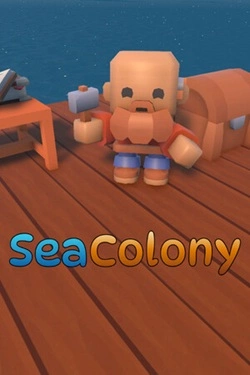

2026
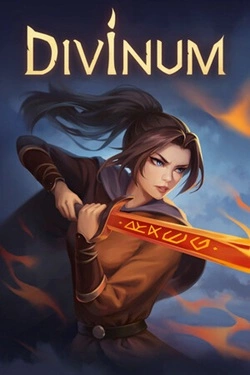
The main process is built around sequential acquisition of the catch and further improvement of your capabilities. Each caught fish
Open card
2026
Each battlefield requires a unique approach, as opponents differ in capabilities, speed, and method of advancement.
Open card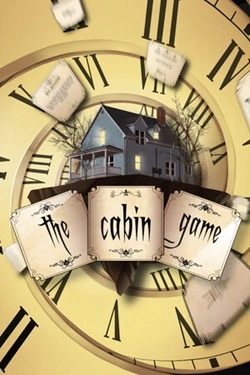
2026
The rooms here do not have a pre-established layout. As players progress, they themselves determine which rooms will appear next and ka
Open card
2026
Fungal spores rapidly transformed people, turning the infected into insane "fungus corpses". Guan Jing is not a trained soldier.
Open card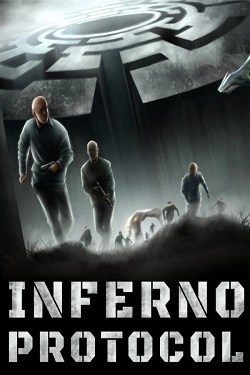
2026
To avoid getting lost permanently, you'll have to create your own system of landmarks. Leave marks on walls, throw objects into
Open card ARTICS TOOLSОнлайн-инструменты для работы с изображениями, файлами, QR-кодами и веб-технологиями.
 ARTICSNETДомены, хостинг, DNS, SSL, электронная почта и управление интернет-сервисами в единой платформе.🚧 Скоро запуск · В разработке
 ARCTICS NETWORKПроверка IP-адресов, доменов, DNS-записей и диагностика сетевых подключений.