TORRENT WORLD
Eden Daho
1996 · adventure · Windows · MS-DOS · Cryo Interactive Entertainment
Eden Daho is an interactive MS-DOS game included on the CD of the French release of Etienne Daho's 1996 album "Eden". Rediscovered recently on Twitter. Thread reader: https://threadreaderapp.com/thread/1110591662219296769.html Translation of the instruction sleeve: REQUIREMENTS PC compatible with windows 95 / double speed cd rom / pentium 75mhz or higher / 8mb ram minimum / video card svga 65536 color compatible vesa with 1 mb minimum ram / sound card recommended. INSTALLATION start windows 95 / insert the cd into the drive / installation starts automatically, follow the instructions on the screen. GOAL OF THE GAME eden - the game - is a fun walk in the universe of Etienne Daho's childhood. A haunting mermaid takes you on an initiation journey where you have to go through a series of tests where their essence is the discovery of pleasures. In the beginning, you play as Etienne at the age of 10 and, little by little, the path of dreams and pleasures leads you to adulthood. HOW TO PLAY at the beginning of the game you must choose the level of difficulty: easy or difficult. The difference lies in the use of the map. In easy mode, it is possible to use the map to move from one place to another, you are sort of "teleported". In hard mode this mode of movement is not allowed. CONTROLS MOUSE move right turn right KEYBOARD right arrow turn right move left turn left left arrow turn left move up look up up arrow move forward move down look down down arrow move back left button move forward VARIOUS COMMANDS TALKING some characters can help you. Stand in front of the one you want to talk to and then press spacebar. The dialogue starts automatically. ADVANCING DIALOGUE press spacebar. TAKE AN OBJECT stand in front of the object you want taken, then press spacebar. It appears automatically in the inventory at the bottom of the screen. You can have up to four objects simultaneously. USE / GIVE AN OBJECT the inventory area at the bottom of the screen consists of 3 or 4 boxes each with an object. F1 through F4 keys are associated with boxes 1 to 4 (from left to right) respectively. To use or give an object, press the Fx key corresponding to the box of the inventory in which the object is stored. QUIT THE GAME press the ESC key. MAP OF THE ISLAND SHOW MAP press the ENTER key or the right mouse button TO MOVE AROUND THE MAP use the arrow keys or the mouse. ZOOMING IN OR OUT it is possible to increase or decrease the size of the map and thus obtain more or less details. Press (on the numeric keypad) + to zoom in or - to zoom out. You can also zoom in and out by holding down the left mouse button. If you chose the easy option (at the beginning of the game), you can directly move to the corresponding place on the map. the difficult option, this type of movement is impossible, and you automatically return to the place where you were when you opened the map. RETURN TO NORMAL MODE click the right mouse button or press the ENTER key. CONCEPT/REALIZATION fabrice bernard / etienne daho / guillaume drouin / emmanuel forsans / antoine guillon / isabelle gushing / frederic heintz / sandrine houalet / antoine lacroix / stéphane levallois / hubert sarret / frédéric pinasseau THANKS Sophie bramly / gérard beullac / anne claverie / jean-pierre lablanchy / jean-martial lefranc DEVELOPER cryo (c) virgin france sa 1996
Internet Archive
fr
- Download torrent · fr · 48233406 bytes
2c5fe41c1da6e0dc9cc0d9cf65bf6515b7e5120b
Related titles
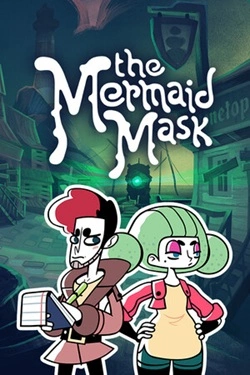
The Mermaid Mask
2026
In the dark waters of the abandoned fishing village, stretching along the coast, the captain of the most unusual submarine in the world was killed. Some claim he is immortal and travels through time on it. Others say he was a vampire, eternally imprisoned in the depths of the ocean by a curse...
Open card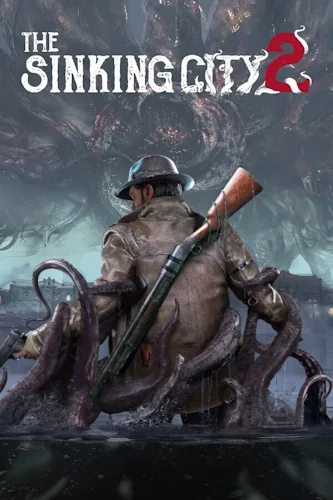
The Sinking City 2
2026
The action of The Sinking City 2 takes place in the turbulent 1920s. This survival horror, infused with a chilling horror in the spirit of Lovecraft, challenges you to confront an ancient entity and explore the flooded streets of Arkham, where the dead hunt you, trying to choose between the life of
Open card