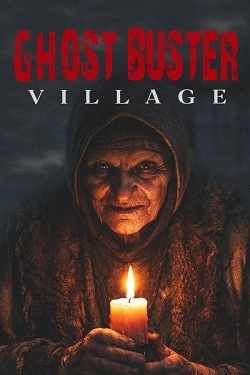
Ghost Buster:Village
2026
The environment gradually reveals the history of this place through unusual details. Old amulets hang on trees, rituals remain in the houses
Open card ARTICSTRACKER
PlayStation
Please donate to my paypal at paypal.me/psvangorp or ko-fi at ko-fi.com/pitapitabread . You can contact me by email pitabreadandroid (at) gmail.com and change (at) to @ . This is a data backup image of a 32 GB memory card for a Kinhank S2 Pro game stick. Other game sticks called a Game Stick Lite "G02 H133 001" and a "D3 Plus v1.0.0" are similar to the S2 Pro and their data backups are available here and here , respectively. Download the large RAR file, open it in 7zip or unrar and burn the image file to a NEW memory card in Balena Etcher, or Win32DiskImager or in USB Image Tool (from Alexpage website). Check and verify the MD5 hash checksum number of the rar file that you have received in a 7-zip program or in a "hasher" type of program. The correct MD5 hash of the rar file is written below: b86b00a6f9f25e4a0cb325871b9cefaa To add games: Explore the memory card, and find the file GAME.CSV . Open the file GAME.CSV in Microsoft Excel, or in OpenOffice Calc . In this order, from left to right: write the file name of a game and include the three letters extension such as chd or zip, write the title of the game, and write the title again and write the platform name (such as snes or ps1) of the game. Save the file. See below for an example of PS1 games. There is a backup of GAME.CSV in a zip file, click HERE . Copy new ROMS to SDCARD:\game\[system] but change [system] to the real name of the game system fb , gba , nes , ps1 ... Example: SDCARD \ game \ cps
07e8cd37304b623f9b294bdc73c919cd3434eedc2026
The environment gradually reveals the history of this place through unusual details. Old amulets hang on trees, rituals remain in the houses
Open card
2026
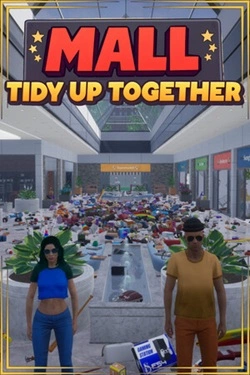
In the shopping center, there are 3682 different products distributed among stores of various categories. There is a supermarket
Open card
2026
Three weeks become the foundation for developing relationships between characters. Shared time allows for gradual understanding
Open card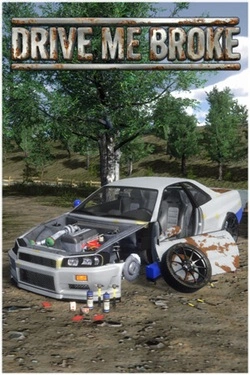
2026
Car is assembled down to the details: you can disassemble old cars, repair parts and manually work on mechanics. More so
Open card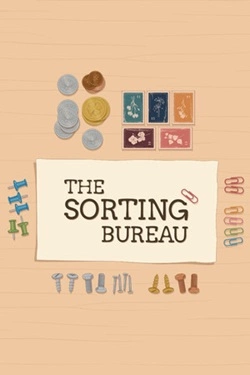
2026
Each order consists of multiple items that differ in shape, material, and purpose. They must be picked one by one and placed
Open card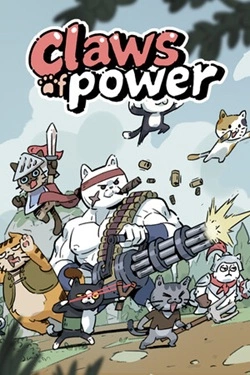
2026
Each cat can perform their role in battle, so the team composition is very important. You can assemble different combinations of fighters, exp
Open card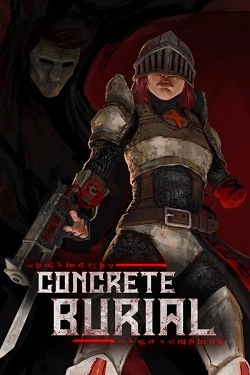
2026
Cemeteries represent a dark combination of ancient rooms and rough brutalist architecture, where behind every turn may hide
Open card ARTICS TOOLSОнлайн-инструменты для работы с изображениями, файлами, QR-кодами и веб-технологиями.
 ARTICSNETДомены, хостинг, DNS, SSL, электронная почта и управление интернет-сервисами в единой платформе.🚧 Скоро запуск · В разработке
 ARCTICS NETWORKПроверка IP-адресов, доменов, DNS-записей и диагностика сетевых подключений.