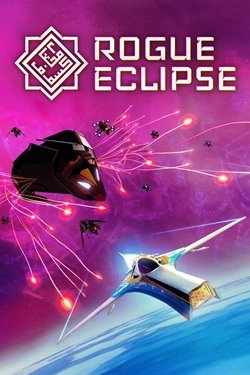
Rogue Eclipse
2026
Ship control is designed for quick reaction and allows maneuvering among a vast number of opponents and incoming projectiles. In
Open card ARTICSTRACKER
MS-DOS · Data Wave
Somewhat confusing tetris clone,. online in browser. for some unknown reason the makers decided to give you not only 1, but a whole screen full of different tetris pits where the blocks fall down. yea it makes you look more intelligent if you try to play it this way, but my experience is that this is kinda awkward to control and play, but many may have fun playing this clone. please read below what the keyboard commands are they are confusing as hell. by DATA WAVE GAME DESIGN, GRAPHICS,PROGRAMMING AND SOUNDS BY: LOYD L. TOWE ********* & ********* DAVE RODEN INTRODUCTION Floatris is a fun and challenging game of skill. Starting out with the basic elements of many existing falling block style games, Floatris was developed with the addition of many unique features. The shapes in Floatris rise from the bottom of the screen to the top in eight air shafts. Your mission, should you choose to accept it, is to manage the shapes as they float up the shafts at random. As you pass the end of the first level, you will notice that more than one shape can be floating in any given shaft simultaneously. In fact as the game progresses, you will find that all eight shafts can have a shape active at the same time. To make things even more of a challenge, Two new shapes are introduced at the beginning of each level of the game (registered version only). Another exciting feature of Floatris called "shape morphing" is the ability to transform shapes during game play (registered version only). This can take up valuable time however, as there will be other shapes in play that need your attention. Other enhancements to the registered version of Floatris include; Helium Bombs that can be sent up any shaft to blow up all the shapes, and SoundBlaster compatible sound support including background music and sound effects. KEY COMMANDS NUMERIC KEYPAD 4 = MOVE LEFT 5 = ROTATE SHAPE 6 = MOVE RIGHT 7 or 9 = TRANSMORF SHAPE (REGISTERED VERSION) 8 = QUICKFLOAT UP 1 SPACE KEYBOARD Z = MOVE ARROW RIGHT X = MOVE ARROW LEFT SPACEBAR = QUICKFLOAT SHAPE TO TOP ESC = PAUSE GAME / CONTINUE GAME / QUIT GAME S = TOGGLE SOUND OPTION ON/OFF
en
4b6f3a291bed85601206cd575daa81086cbb5bb02026
Ship control is designed for quick reaction and allows maneuvering among a vast number of opponents and incoming projectiles. In
Open card
2026
Preparation begins with preparing the dough, which must be stretched correctly and turned into the base for future pizza. Then remains
Open card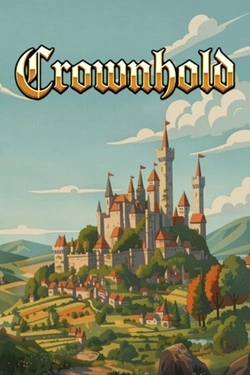
2026
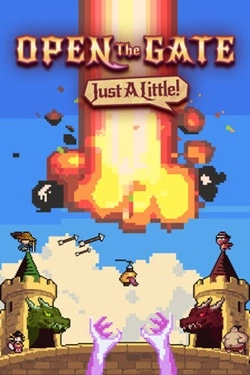
Before battle, you must select the army composition and decide how to spend the accumulated gold. Funds can be earned by completing
Open card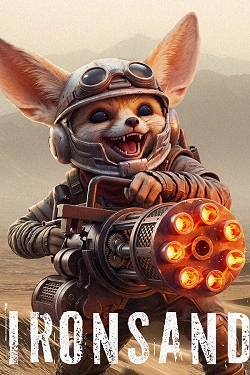
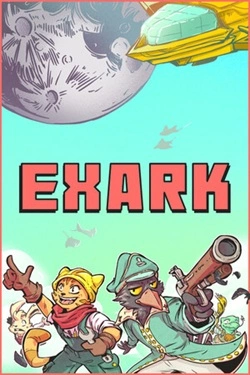
2026
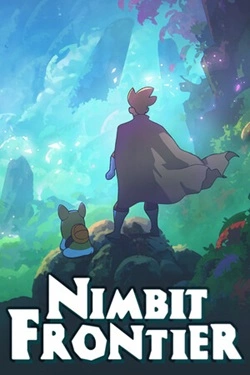
Each Nimbit can create its own space using plants and special items. The mood depends on the chosen environment.
Open card
2026
During the day, the forest may seem almost calm, but any journey outside the shelter is risky. Hunting becomes necessary: need to
Open card ARTICS TOOLSОнлайн-инструменты для работы с изображениями, файлами, QR-кодами и веб-технологиями.
 ARTICSNETДомены, хостинг, DNS, SSL, электронная почта и управление интернет-сервисами в единой платформе.🚧 Скоро запуск · В разработке
 ARCTICS NETWORKПроверка IP-адресов, доменов, DNS-записей и диагностика сетевых подключений.