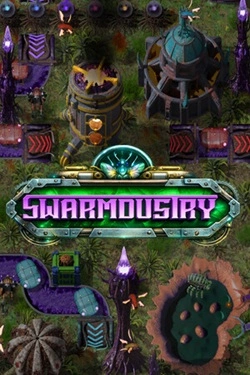
Swarmdustry
2026
Initially, a significant portion of the work has to be done manually, but over time manual labor gives way to automation. Different presta
Open card ARTICSTRACKER
Windows · Commodore 64
Greetings Doctor Crasher Fans!!! Well here it is as seen on my Youtube Channel... My Personal set of Carousel's for the C64 Mini & Maxi containing well over 2000+ Games to enjoy. Remember, if you haven't watched my Video, go on over to Youtube and view it so you can understand how to use this bundle of Carousels. You can download the Zip File on the Left Side Menu of The Screen or Download using a Torrent Client and UnZip the File to your Hard Drive using 7z Freeware that's easily available on the Web.. MY ZIP FILE contains The FAT 32 Formatter for The USB Stick you will be using to Upgrade your C64 Mini or Maxi along with the Ver 1.6.1 Flash Software to Flash your C64. After Formatting your 64GB or 128GB USB Stick with FAT 32, VERIFY it's Formatted then copy the Ver 1.6.1 Firmware Update File from my ZIP FILE to the ROOT FOLDER of your USB Stick. Upgrade the Firmware by Inserting your USB Stick, Booting up your C64 then choosing the WRENCH Icon at the Bottom of the Screen, select "System Information" Option and UPGRADE The Firmware then Reboot. Remember, after you update your C64 Firmware simply Power Off and Un-Plug the USB Stick from your C64 then Plug The USB Stick into any USB Port on your PC and Delete the Firmware File on that USB Stick so that it's Empty. DO NOT Reformat it. Afterwards as shown in my Video, Copy all the Files in the "Step #4 - Copy Contents to USB Root Directory" from My ZIP File you downloaded over into the ROOT of the USB Stick. There's a TON of Files so Please be Patient... Plug the USB Stick into your C64, turn it on, go to the WRENCH Icon at the Bottom of the Screen, Choose SYSTEM INFORMATION and Choose to UPDATE Once Again... After a few moments, the New Temporary Firmware Patch will be in place and you can load up ANY of my Carousel's by holding down the Bottom Right RED MENU BUTTON while Clicking on the Large TOP LEFT ROUND FIRE Button. A list of your Carousel's will appear then simply choose which one you want to play and hit the LEFT FIRE BUTTON to choose. ENJOY!!!! AS A BONUS: I've included on The USB Stick my PERSONAL Games Collections located in the Top Folder which you can Access by Clicking on the Bottom WRENCH Icon and Choosing the BASIC Screen instead of Carousel... Once you're in BASIC, The LOWER RIGHT MENU BUTTON will allow you to go to your USB Stick and Search my Game Folders to Choose ALL of my Juicy Games there... You're gonna Love it!!! If you Enjoy this, PLEASE head on over to my Youtube Channel and LIKE and SUBSCRIBE so I can help other AWESOME Folks like yourself Enjoy this Collection: https://www.youtube.com/@DoctorCrasher Thank You!!!!
en
e311ac6d3d8c2789d448551078b4d7172fdc18ba2026
Initially, a significant portion of the work has to be done manually, but over time manual labor gives way to automation. Different presta
Open card
2026
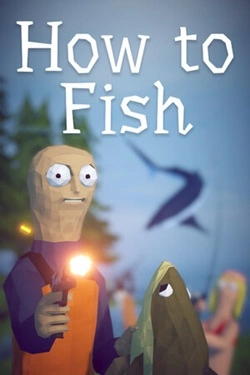
At the beginning, you practically have nothing, so you'll have to buy equipment with money earned from fishing. You can catch fish, sell
Open card
2026
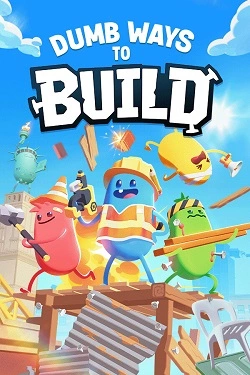
For creating the necessary structures, almost any object that happens to be at hand will suffice. Details can be picked up, rotated,
Open card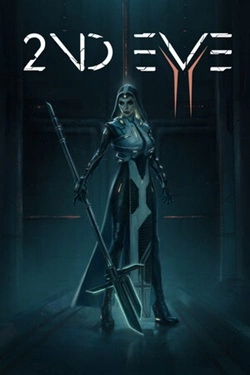

2026
Alcohol does not hinder the heroine from fighting here, but rather becomes the source of her strength. The stronger Lita is drunk, the more powerful her abilities become.
Open card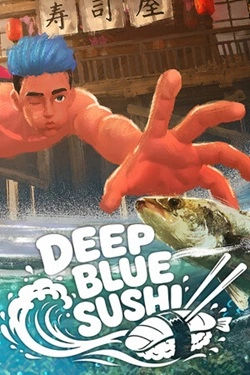
2026
Before diving, you can select the necessary equipment for a specific task. Some tools help catch fish, others will be useful
Open card ARTICS TOOLSОнлайн-инструменты для работы с изображениями, файлами, QR-кодами и веб-технологиями.
 ARTICSNETДомены, хостинг, DNS, SSL, электронная почта и управление интернет-сервисами в единой платформе.🚧 Скоро запуск · В разработке
 ARCTICS NETWORKПроверка IP-адресов, доменов, DNS-записей и диагностика сетевых подключений.