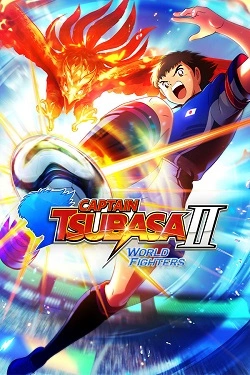
CAPTAIN TSUBASA 2: WORLD FIGHTERS
2026
In matches, you can pass the ball, intercept, block powerful shots, and attack the goal using special
Open card ARTICSTRACKER
1993 · MS-DOS · William J. Wood
The application files for SuperBar, version 2.0a. From SUPERBAR.TXT: SuperBar is an application for the Windows operating system. SuperBar is used to create and edit user configurable toolbars. The toolbar consists of a gray bar containing several buttons, each assigned to either an application menu command or a sequence of key strokes and mouse actions. A toolbar can be added to any Windows-based application that is compatible with the SuperBar program. Most Windows-based applications which have standard menu bars are compatible with SuperBar. SuperBar can be used to increase efficiency by assigning commonly used menu commands on an application's SuperBar. Further efficiency can be gained by recording commonly repeated actions as macros and assigning these macros as buttons on the toolbar. SuperBar also includes an integrated Icon Manager. The SuperBar Icon Manager allows creating, editing and deleting custom icons for use on toolbar buttons. In addition to providing toolbars, this program also includes the ability to start a Windows-based application at the same location on the desktop every time it is executed. The application can be run normally, minimized, maximized or hidden. A hidden application runs normally but cannot be seen on the desktop. This feature is useful for hiding utility programs which should run in the background. SuperBar may also be used as a replacement Task Manager. SuperBar includes all of the functionality of the Windows built-in Task Manager including switching between applications, terminating applications and rearranging the desktop.
en
d58f0268946d7b2b8212a7bffb2526d21ed8339c2026
In matches, you can pass the ball, intercept, block powerful shots, and attack the goal using special
Open card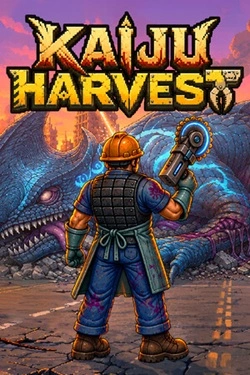
2026
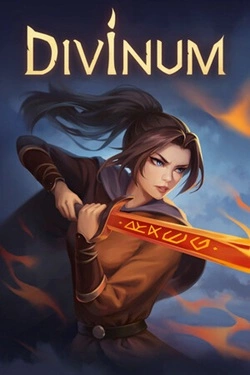
Each carcass becomes a true resource deposit. Skinning monsters, harvesting meat, bones, organs, coins, and rare amber, after
Open card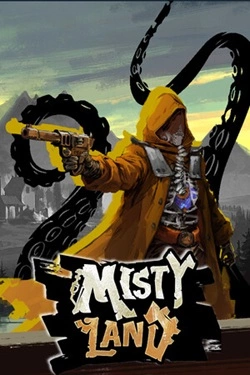
2026
Important role is played by the design of your city. Choose appropriate structures, place them in convenient locations and gradually expand the available
Open card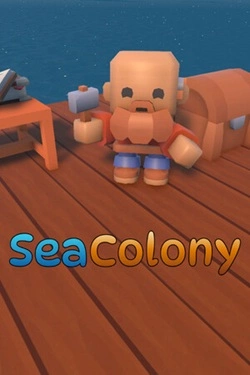
2026
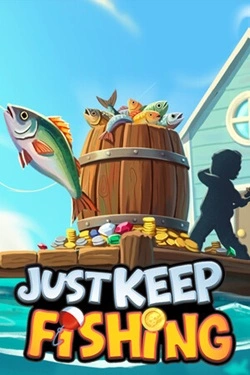
The main process is built around sequential acquisition of the catch and further improvement of your capabilities. Each caught fish
Open card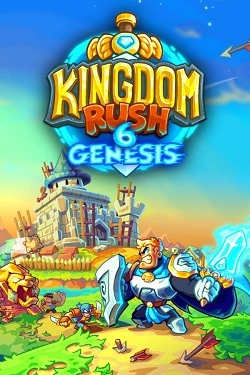
2026
Each battlefield requires a unique approach, as opponents differ in capabilities, speed, and method of advancement.
Open card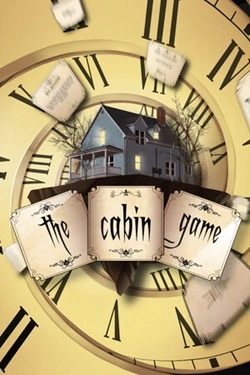
2026
The rooms here do not have a pre-established layout. As players progress, they themselves determine which rooms will appear next and ka
Open card ARTICS TOOLSОнлайн-инструменты для работы с изображениями, файлами, QR-кодами и веб-технологиями.
 ARTICSNETДомены, хостинг, DNS, SSL, электронная почта и управление интернет-сервисами в единой платформе.🚧 Скоро запуск · В разработке
 ARCTICS NETWORKПроверка IP-адресов, доменов, DNS-записей и диагностика сетевых подключений.